

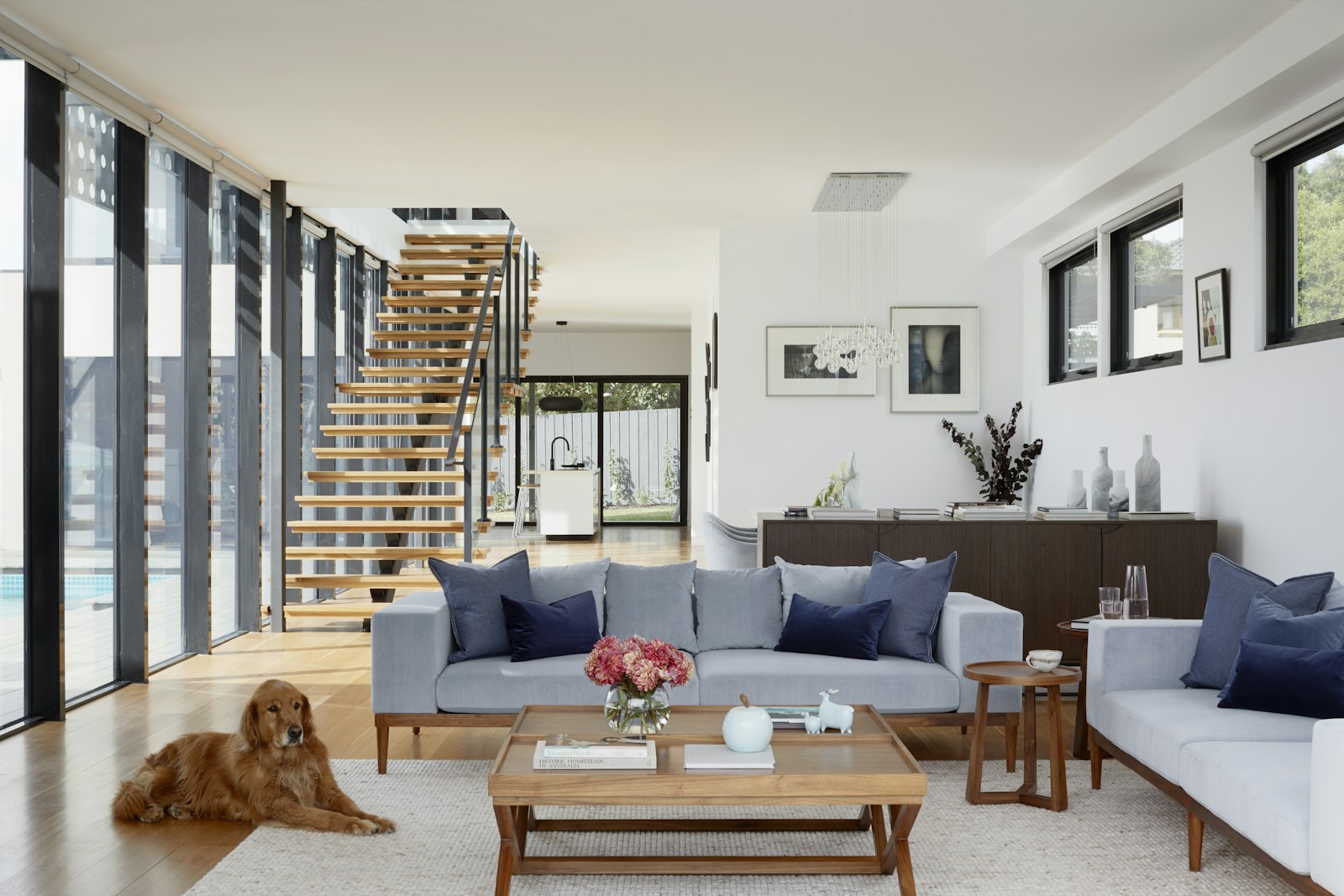
A television adds more than a rectangle to a small living room. It determines where people face, introduces cables and changes how daylight feels from the sofa. Solve those practical questions first, then work on how the screen sits within the wider composition.
Choose the viewing position first
Sit where the main seat will be and look at the proposed screen position. A comfortable arrangement should not require a sustained upward tilt of the head. Check the manufacturer’s viewing guidance for your screen size and test the distance in the room.
Check reflections throughout the day
A window opposite the screen can create glare. Before mounting anything, hold a dark reflective surface near the proposed position and check it in daylight. Adjustable curtains or blinds can help without keeping the whole room dark.
Use a low, useful storage piece
A cabinet can hold equipment and hide everyday clutter, but its depth must leave room to pass. Measure doors and drawers when open. Allow ventilation around electronics according to their instructions, and plan a clear cable route before choosing the unit.
Build a quiet composition around the screen
Keep nearby objects fewer and larger rather than scattering many small decorations. A muted wall colour can soften the contrast around a black screen; a broad cabinet can visually ground it. Art and shelves work best when they leave the screen breathing room.
Leave the centre flexible
Small side tables may work better than one large coffee table when the room doubles as a play or exercise space. Choose pieces that can move easily and check that the main walkway remains clear.
Use our awkward layout guide when doorways or a fireplace compete with the screen, and visit the living room index for related decisions.
Start with one change, photograph the room and check how it feels in daily use before adding another.